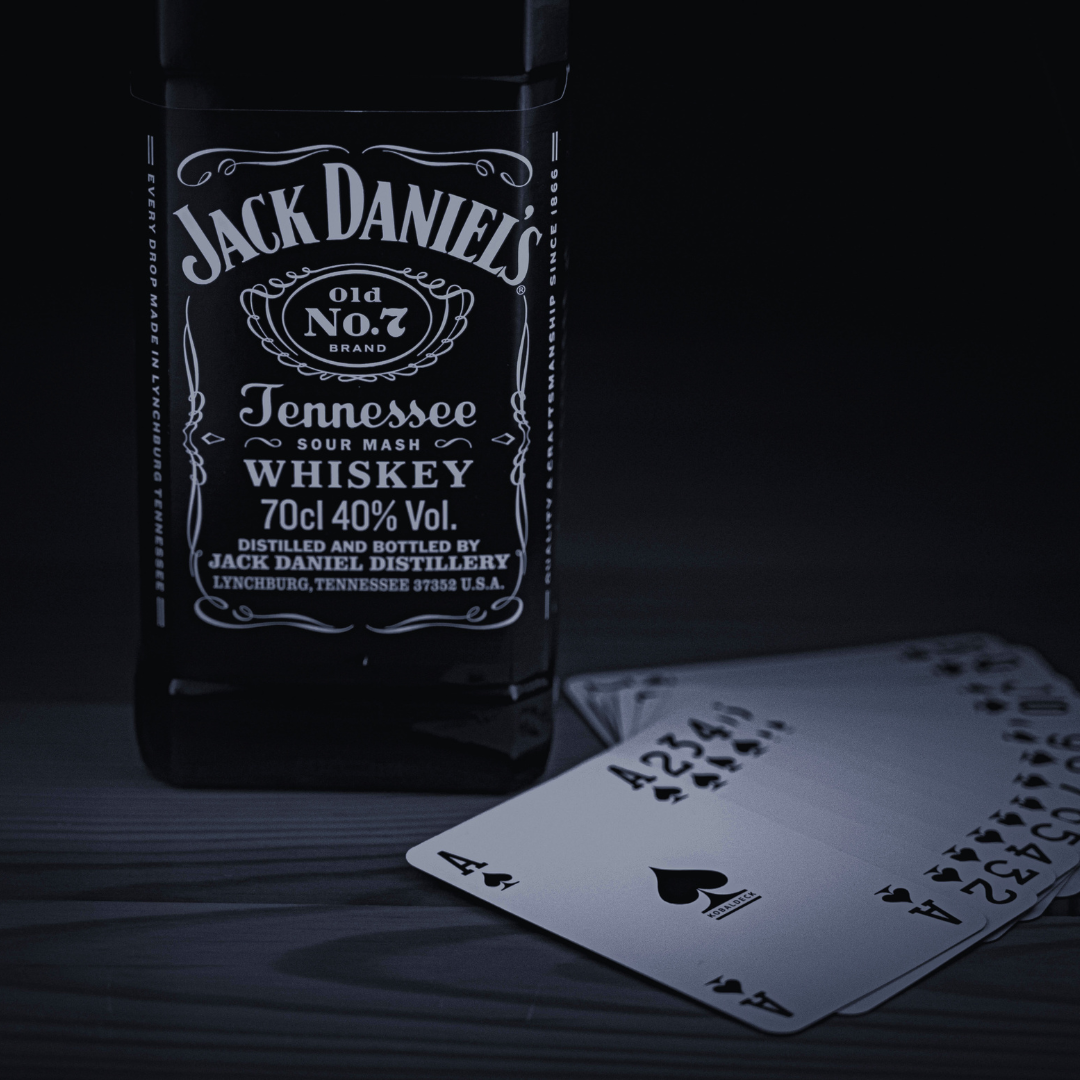
Brands can use nostalgia to strengthen customer loyalty by tapping into positive memories that create emotional connections. When customers associate a brand with meaningful moments from their past, they are more likely to develop trust and repeat engagement. Nostalgia acts as a powerful tool that fosters emotional bonds, making customers feel valued and understood.
Incorporating familiar elements such as retro designs, classic products, or past marketing styles can evoke a sense of comfort and belonging. This strategy not only differentiates brands in a crowded market but also encourages customers to stay loyal because the brand resonates on a deeper, personal level.
By understanding which elements of nostalgia resonate most with their audience, brands can craft experiences that feel authentic and relevant. This targeted approach strengthens customer loyalty by turning routine interactions into memorable, emotional experiences.
The Emotional Impact of Nostalgia on Customer Loyalty
Nostalgia triggers strong feelings that influence how customers relate to brands. It engages memories and emotions that create connections beyond simple transactions. These emotional ties can increase trust, foster loyalty, and appeal across different generations.
Building Emotional Connections Through Nostalgic Memories
Brands use nostalgia to evoke specific past experiences that resonate deeply with customers. These memories create an emotional connection by reminding people of moments they value, such as childhood, family gatherings, or cultural milestones.
This connection often leads customers to feel a personal attachment to the brand. Emotional connections built this way increase the likelihood of repeat purchases and long-term loyalty. Brands that successfully tap into these memories create a sense of comfort and familiarity.
The Psychology Behind Nostalgia and Trust
Nostalgia activates positive emotions linked to past experiences, which encourages trust in a brand. When customers recall happy or meaningful moments, they associate these feelings with the brand, making it seem more reliable and authentic.
This emotional state reduces skepticism and enhances brand credibility. Trust formed through nostalgia is stronger because it is rooted in personal history. As a result, customers are more willing to maintain loyalty and recommend the brand to others.
Emotional Bonds and Cross-Generational Appeal
Nostalgia helps brands connect with multiple age groups by tapping into shared cultural experiences or long-standing traditions. These emotional bonds bridge generational gaps, creating a wider customer base.
By using familiar symbols, language, or styles from the past, brands can evoke nostalgia in both older customers and younger ones seeking retro or vintage appeal. This creates a multi-layered emotional connection that strengthens overall brand loyalty.
Effective Nostalgia Marketing Strategies for Brands
Brands can use specific nostalgia techniques to engage customers and foster loyalty. Utilizing visual elements, storytelling, social media trends, and product innovation helps create emotional connections and drive marketing campaign success.
Reviving Vintage Logos and Retro Packaging
Reintroducing a vintage logo can immediately evoke familiarity and trust among long-time customers. This strategy leverages retro aesthetics to remind consumers of positive past experiences with the brand.
Retro packaging enhances this effect by creating a tactile, visual throwback that stands out on shelves. Brands often blend old design elements with modern functionality to appeal to both previous and current generations. This balance maintains brand relevance while tapping into nostalgia marketing’s emotional appeal.
Storytelling That Taps Into Nostalgia
Effective storytelling in nostalgia marketing campaigns focuses on shared cultural memories or key brand moments. Brands narrate their history or the origin stories of products to create emotional resonance.
This approach can be implemented through videos, blog posts, or advertisements that highlight fond memories linked to the brand. It encourages deeper engagement by making customers feel part of a continuing story, reinforcing loyalty through emotional connection.
Leveraging Social Media Trends Like ThrowbackThursday
Using #ThrowbackThursday or similar social media trends allows brands to consistently engage audiences with nostalgic content. Posting old photos, ads, or behind-the-scenes stories taps into user-generated nostalgia and encourages sharing.
This tactic requires regular, authentic content that aligns with the brand’s heritage. The interactivity of social media increases engagement and extends the reach of nostalgia marketing campaigns through organic audience participation.
Creating Limited-Edition Retro Products
Limited-edition retro products generate excitement by revisiting classic designs or formulas temporarily. Offering these products creates urgency and exclusivity, appealing to collectors and nostalgic consumers alike.
This strategy can boost short-term sales and strengthen brand identity by linking past appeal to present offerings. Carefully timed releases aligned with anniversaries or cultural moments maximize impact in marketing campaigns.
Case Studies: Brands That Strengthen Loyalty Through Nostalgia
Nostalgia can reconnect customers with beloved memories while reinforcing brand identity. Successful brands use this tactic to boost engagement, celebrate milestones, and increase sales through strategic campaigns and product revivals.
Nintendo’s NES Revival and Classic Gaming Appeal
Nintendo capitalized on nostalgia by releasing the NES Classic Edition in 2016, a miniaturized version of their original 1980s console. This product appealed to both longtime fans and new players by offering preloaded classic games with modern convenience.
By blending innovation with heritage, Nintendo maintained its brand identity rooted in gaming history. The NES revival strengthened brand loyalty by tapping into fond memories, while generating significant sales and media buzz.
The console’s success highlighted how combining nostalgia with quality technology can re-engage older customers and attract younger generations simultaneously.
Coca-Cola, McDonald’s, and Iconic Nostalgic Campaigns
Coca-Cola and McDonald’s consistently use nostalgia to renew emotional connections with customers. Coca-Cola’s “Share a Coke” campaign personalized bottles with popular names, evoking shared experiences and simpler times.
McDonald’s brings back limited-time menu items like the McRib and nostalgic branding from the 1990s to trigger memories. These campaigns emphasize moments that shaped consumers’ pasts, fostering deeper loyalty.
Both brands integrate nostalgia with current trends, balancing familiarity and novelty. This approach increases engagement and supports long-term customer retention.
Using Milestones and Brand Heritage to Drive Engagement
Brands leverage anniversaries and milestones as opportunities to activate nostalgia. Celebrating key moments in their history helps reinforce authenticity and trust.
Examples include limited-edition products, commemorative packaging, and storytelling focusing on brand origins. These actions remind customers of shared history and strengthen emotional bonds.
Integrating heritage with innovation keeps the brand relevant while honoring its past. This strategy promotes steady engagement and reinforces brand loyalty across generations.